RigiTech Software Update - September 19, 2023
RigiCloud and Edge Node - v1.9.0:
New Features
General and Map Tools
- A new Settings page reunites the main project settings that can be modified by Head of Operations roles, including units, interface colours, and enabling/disabling advanced features.
- Head of Operations users can now select between Metric, Imperial and Aviation units for most fields (distances and speeds). The settings are applied on a project-wide basis, to ensure that all pilots are using the same units.
- Airspace layer has now returned to Map Tools using a new global dataset (GuardianUTM Cloud) from Altitude Angel. The layer now also includes Ground Hazards (powerlines, critical infrastructure, etc).
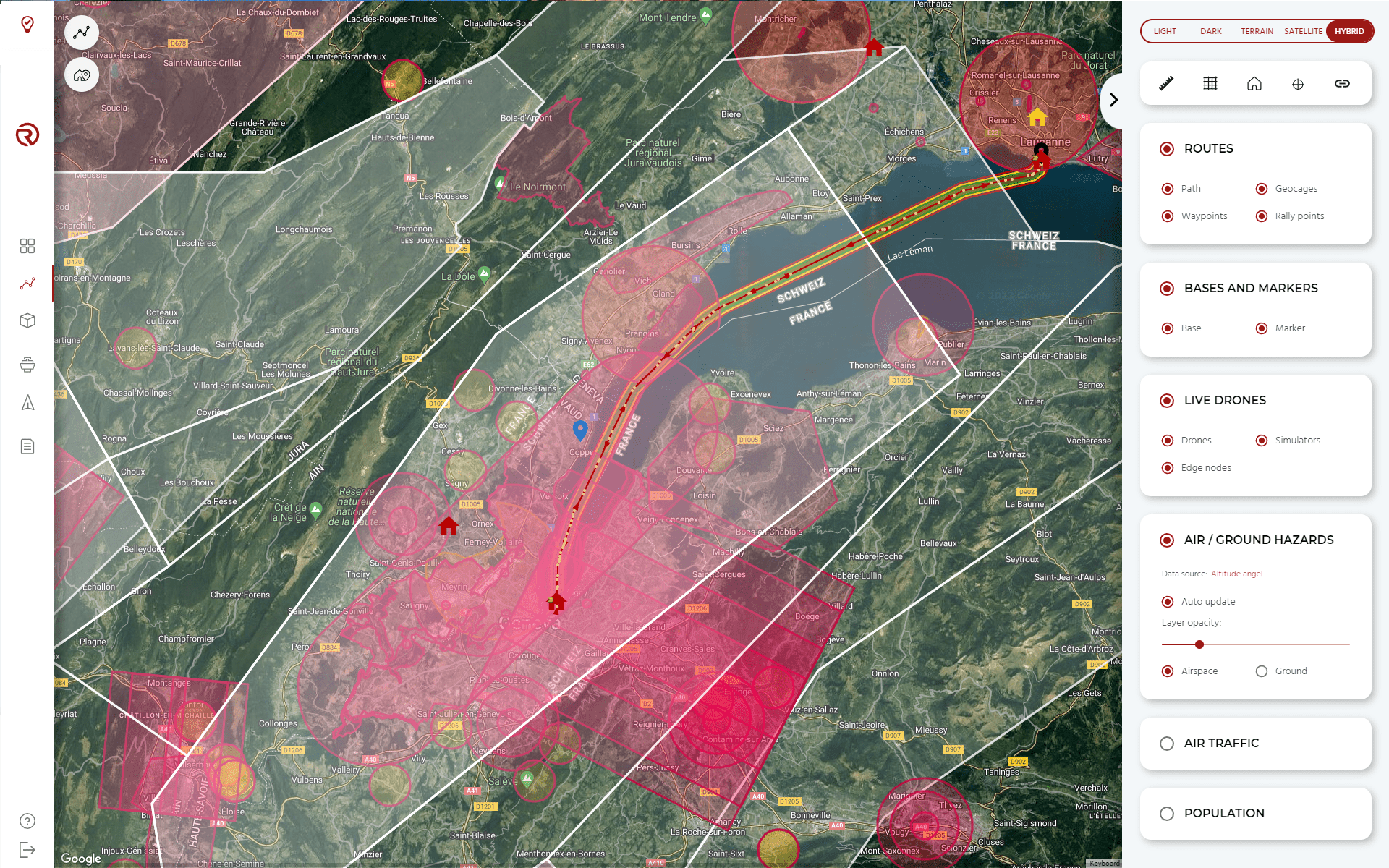
- The Population Density layer has a source selector to choose between the various available datasets.
Airbridge Planner:
- Improved routes management and permissions
- A Route Status has been added to routes for better permissions management. Routes begin as Draft, and can be upgraded to Validated and Approved status. The Route Status defines whether a route can be loaded onto a simulator or a real drone. Only higher-level User Roles can change the status of a route.
- A special Archive status allows clearing of unused routes in the list. Additional filtering and ordering options help organisation of projects with many routes.
- A Reverse Route button will automatically clone and reverse an existing route, allowing an easy return trip. Takeoff, Land and Transition waypoints are inversed while conserving the same geocages and safety profiles. NOTE: once cloned, the routes are not linked, and any change to either route is not copied to its inverse route.
- Improved route creation and editing
- Action waypoints (transitions, loops) are now merged with the Position waypoint they are attached to.
- Gradient information is displayed between waypoints to help planning altitude changes within limits of the aircraft's capabilities.
- Waypoints that are not set correctly (bad altitude, too much gradient, insufficient transition distance, etc.) are now highlighted with an error, making it easier to identify and fix route planning issues.
- A "Save & Continue" button will save the latest changes to a route, increasing peace of mind when making big edits with poor internet connection.
- A summary of the Route Safety Checks is displayed when saving a route, similar to the one available in the Safety Checks tab, to ensure that route planning issues are identified and adressed.
Control Tower:
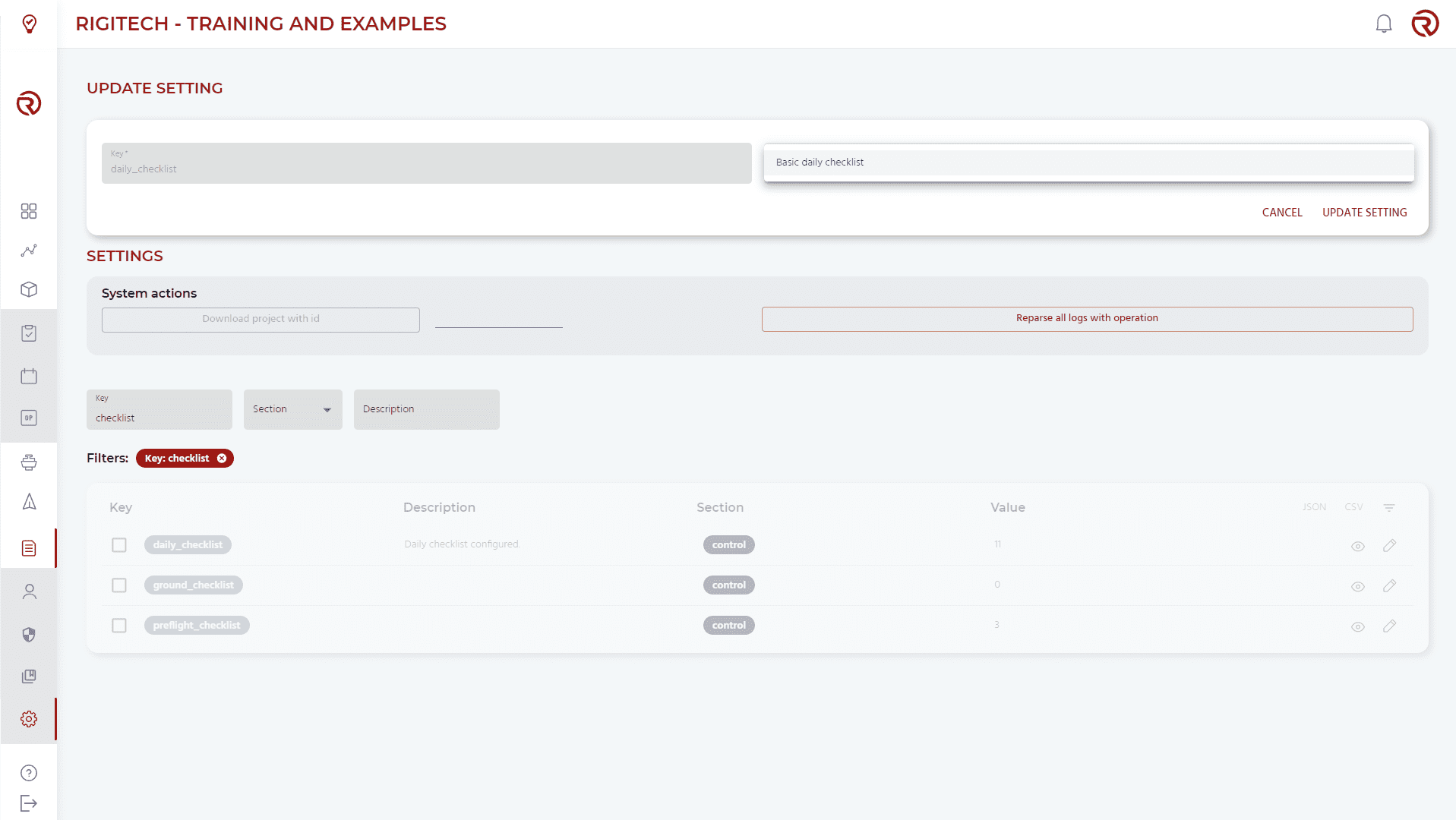
- The Mission Start Workflow has been re-designed for safety and efficiency of a sustained delivery operation. The previous Pre-flight Checklist has been replaced by three separate checklists: Daily Checklist, Ground Checklist and Pre-flight Checklist.
- Daily Checklist includes visual inspections and motor tests that can be done only once a day, and are not required before every flight. This reduces the time-to-flight for all but the first flight of the day.
- Ground Checklist is to be done by on-site staff that need to physically interact with the drone (load payload, battery, inspect aircraft, clear ground and airspace).
- Pre-flight Checklist is to be done by the Pilot in Command of an operation who may be located remotely and can be done fully through the RigiCloud interface.
- Checklists can be done concurrently by different Users, and each User sees when and by whom a check has been completed. Takeoff is only allowed when all mandatory checks have been passed.
- All checklist actions are saved in the database and attached to the Operation for compliance tracking.
- Head of Operations Users can create their own Daily, Ground and Pre-flight Checklists to customise for their own workflow.
)
- The Vertical and Horizontal Motor Tests have been replaced by a Full FTS Test which will spin up all motors at once, cut them using the FTS, release them again and stop. This simplifies the workflow and also complies with EASA certification requirements for the FTS.
- The FTS data link is now added as a datalink source for the DLL Failsafe. The drone will now activate the DLL Failsafe only if both Main and FTS datalinks are down.
- The Altitude Deviation, which is the difference in the current altitude of the drone and the expected altitude according to the route, is now displayed in the Telemetry window. This provides additional information on how well the drone is tracking its expected flight path.
- Improved Simulator features
- You can now set the wind speed and direction for a simulator, to test a longer route under high wind conditions.

- The speed of the simulator is now displayed to confirm actual speed to the User.
- You can now set the wind speed and direction for a simulator, to test a longer route under high wind conditions.
Fleet Management:
- Several lists can now be downloaded as a CSV for external documentation, including Drones, Batteries, Edge Nodes and Users.
API
- Endpoints created to start/stop simulators directly through the API instead of through the Control Tower interface.
Fixed/Improved
- Better User management by Head of Operations role.
- Bug fixes, reliability improvements, software refactors.
Onboard software (OC) - v0.21.0:
New Features
Fixed/Improved
- Better status message handling
- Better safety management during software updates
- Improved drone-to-cloud communications pipeline
- Increased stability of video feeds for streaming and precision landing
- Improved safety checks before takeoff
- Bug fixes
Autopilot (AP) software - v2.2.0:
New Features
- Precision Landing is now more robust in GNSS-denied conditions, increasing robustness in the final approach when landing in dense or mountainous areas.
Fixed/Improved
- Better handling of trajectory after Quadchutes
- Improved waypoint management between flights
- Improved communication between Autopilot and Onboard Computer
- Bugfixes
Failsafe Computer (FS) firmware - v0.13.0:
New Features
- Added additional capabilities to use failsafe link as redundancy of main link
Fixed/Improved
- Improved logging method